
Life360
Life360 is a location-based freemium app for families on Android that lets members share their location with each other.
134.5 MB

12.02 · kaisquare · Page updated
My Location is a free Android app by kaisquare that shows your current GPS coordinates and address and lets you share or save your position.
Average 0.0 · ratings: 0
Thank you! Your rating is saved; you can change it. Could not save the rating. Please try again later. Too many ratings from your network today. Please try again tomorrow. The average appears after 5 ratings.
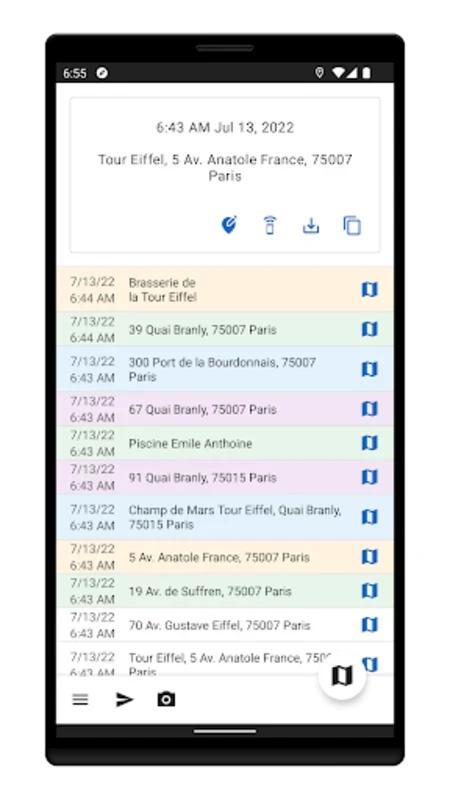
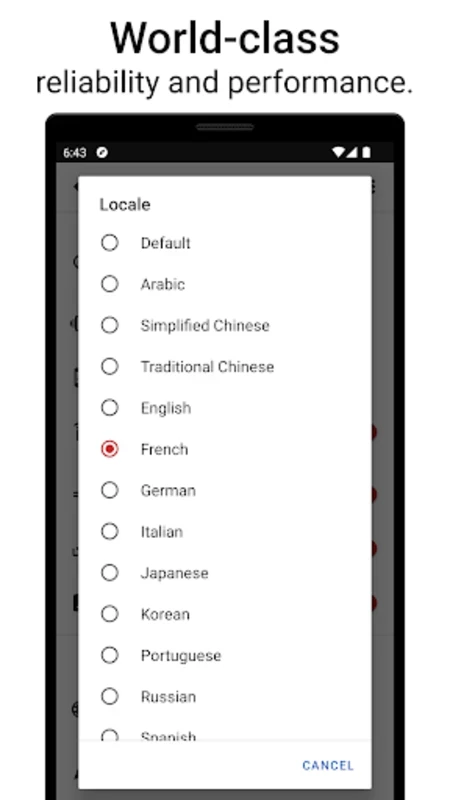
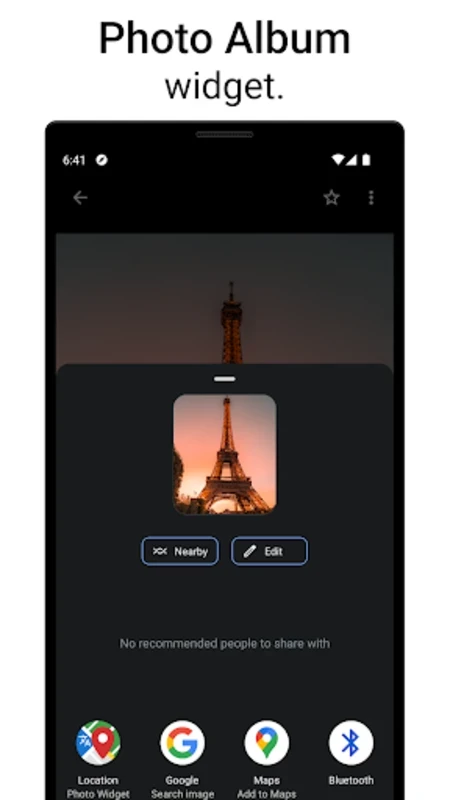
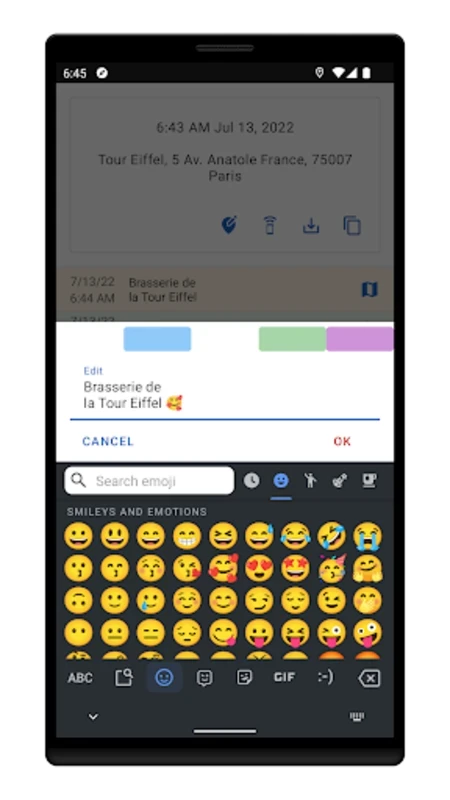
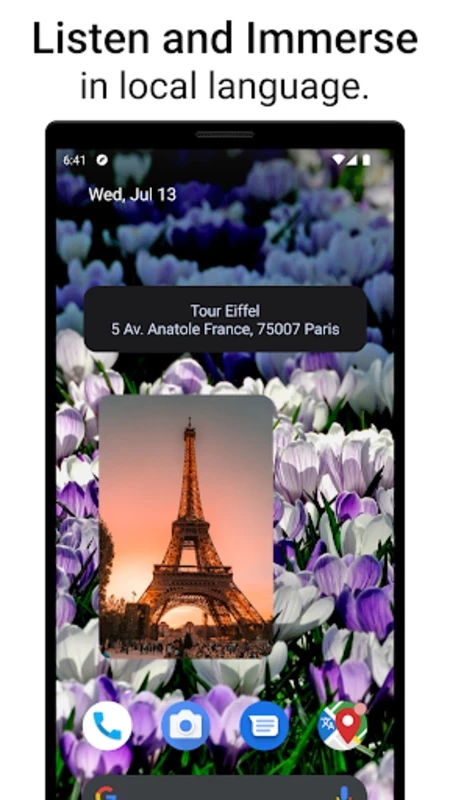
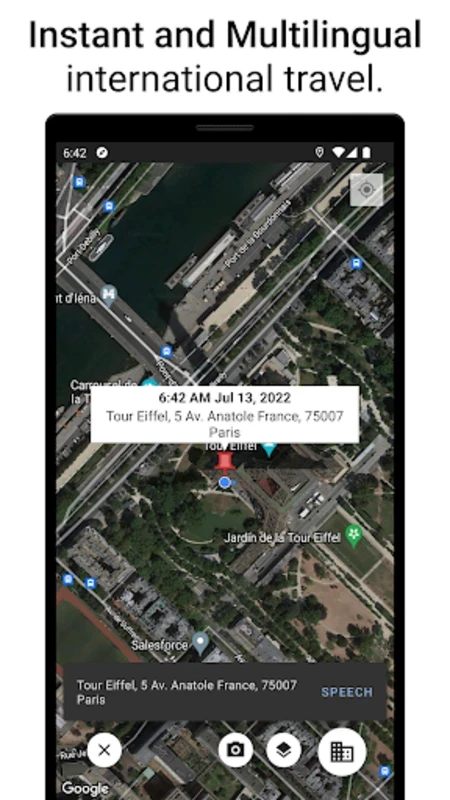
My Location 12.02 is a free Android app by kaisquare that answers one question quickly: where am I exactly? It shows your current position on a map along with the street address and GPS coordinates, and lets you share, copy or save that information. You can download My Location for Android from Google Play.
| Item | Details |
|---|---|
| Version | 12.02 |
| Developer | kaisquare |
| Platform | Android |
| Category | travel and local |
| Licence | free |
| Size | about 24.38 MB according to catalogue data |
Navigation apps are built to take you somewhere; My Location is built to tell you, and others, where you are. That is useful more often than it seems. When you call a roadside assistance service, a taxi or emergency services, reading out exact coordinates or a precise address saves time. Hikers and cyclists note coordinates of a trail junction or a parking spot. Delivery drivers and field technicians confirm a location for their reports. Travellers save the address of a hotel or a rental flat in a language they cannot read. The app gathers these small tasks in one screen: coordinates, the nearest address, a map, and ways to share or copy them. Accuracy depends on the phone's GPS signal; indoors or between tall buildings, the position can be off by a noticeable distance, so wait a moment for the fix to settle when precision matters.
The developer posts news and release notes on the kaisquare blog.
Coordinates are given as latitude and longitude. Emergency services, map apps and GPS devices all understand them, so copying the numbers exactly is more reliable than describing landmarks. Double-check the sign or the N/S and E/W letters when you read them out.
GPS is one of the bigger battery consumers on a phone. Close the app when you have what you need, and switch location off entirely when you do not use it.
For sharing location continuously with family, our listings include Life360. For getting a ride to where you are, there is inDrive.
Life360 is a location-based freemium app for families on Android that lets members share their location with each other.

TaxiF Driver is the Android app for drivers working with the TaxiF service, used to receive ride requests, navigate to passengers and manage trips.

inDrive is a free Android app for booking city rides and other trips, in which passengers offer a fare and drivers can accept it or propose their own.